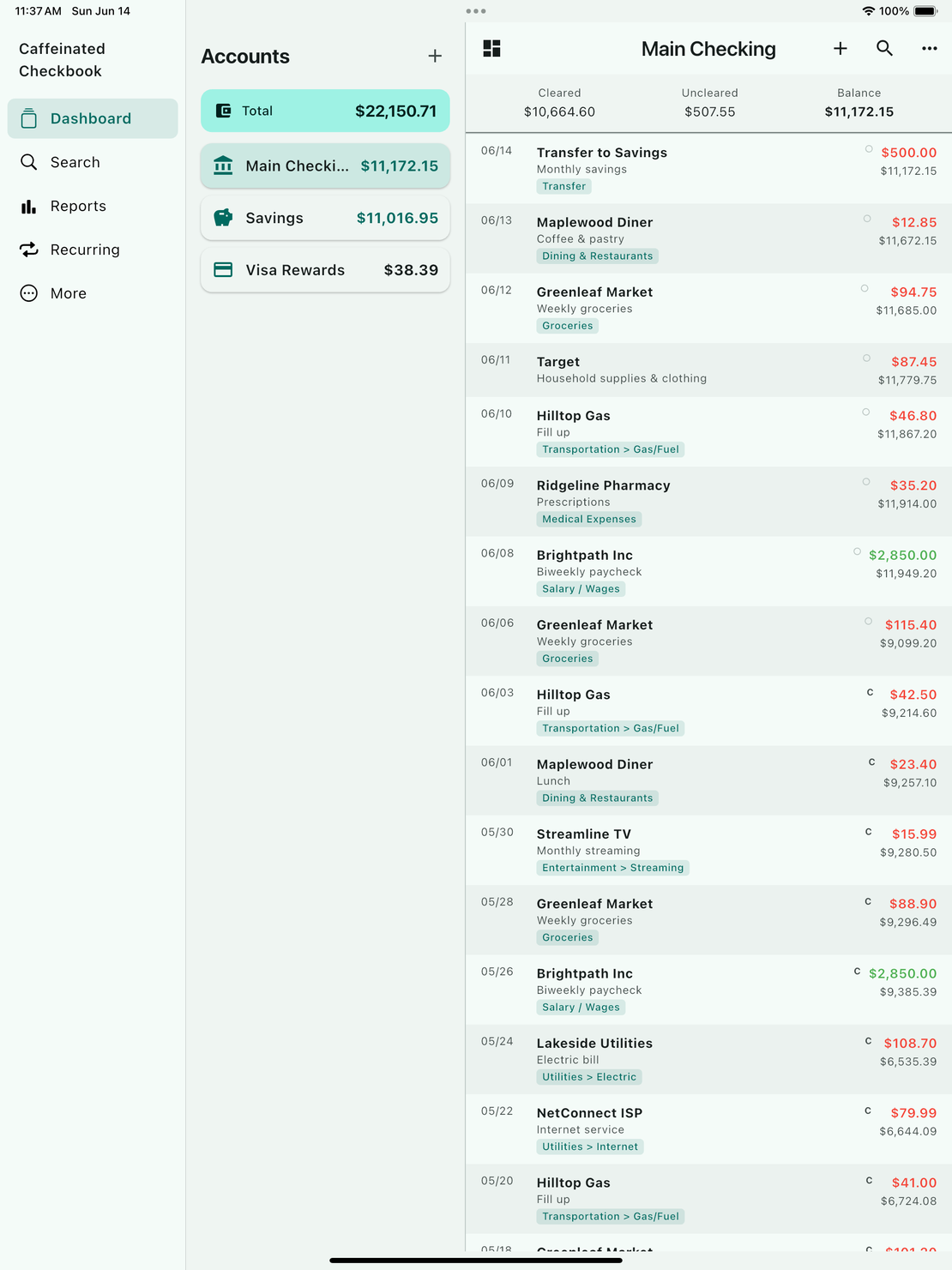
Version 1.1.1 builds on the recurring transactions and split work from earlier releases, with the headline being the ability to enter recurring entries ahead of their due date. There is also a one-step way to split a transaction, a smoother CSV import on desktop, and a tablet layout that finally uses the whole screen. Many of these came straight from the feedback portal.
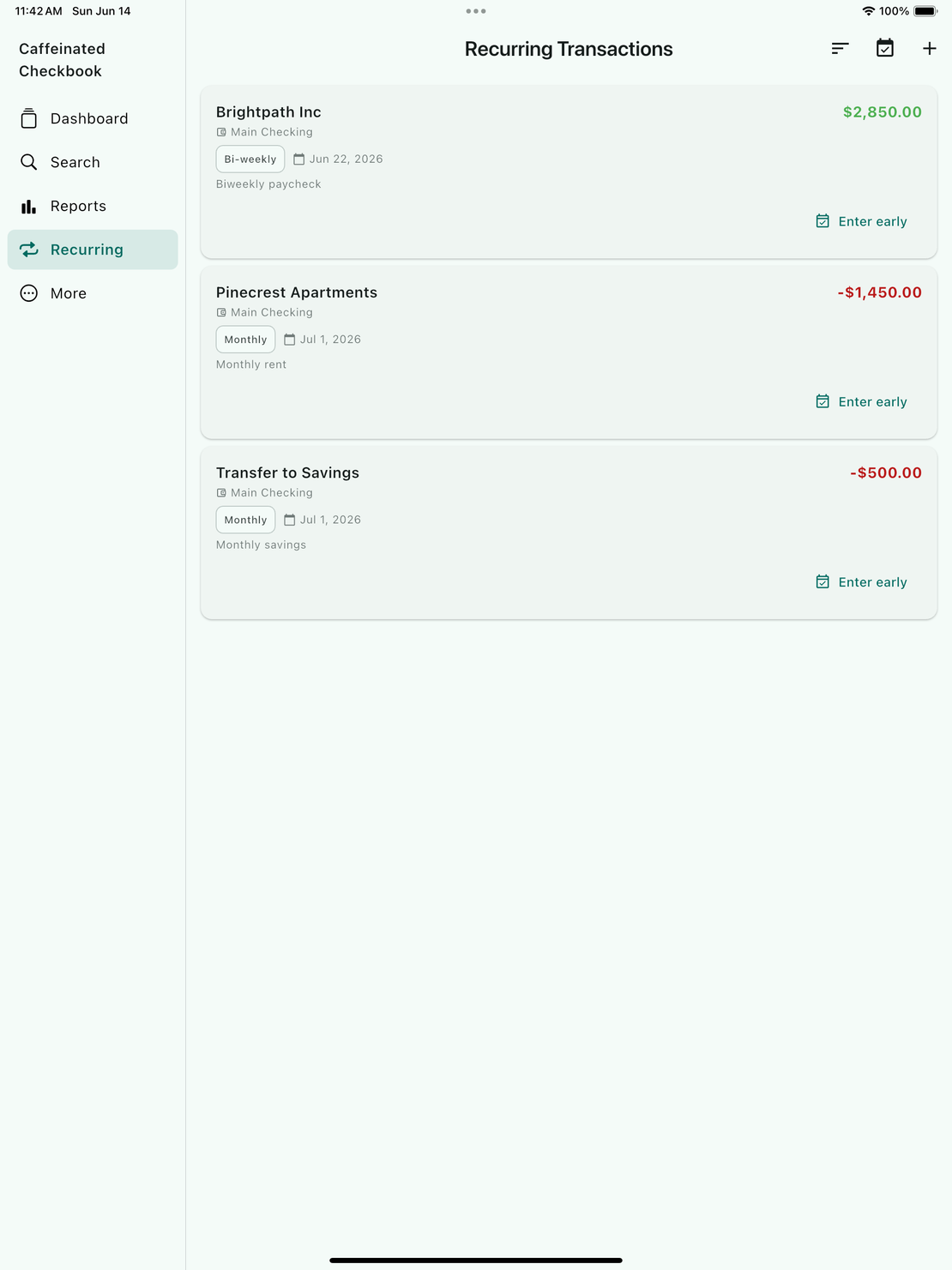
Enter recurring transactions ahead of time (Desktop, iOS, Android)
You no longer have to wait for a recurring transaction’s date to arrive before it shows up in your register. Now you can enter upcoming entries early, so your register reflects the week, or the month, you have coming.
- Enter a single recurring entry early from its row, or use “Enter next 7 days” to fill in everything due soon all at once.
- For bills and paychecks you want fully on autopilot, an auto-posting entry can also be set to enter a chosen number of days in advance. Just set “Days in advance” on the recurring entry.
- Either way, early entries are dated their real due date, and you can edit or delete them like any other transaction.
- Recurring entries you have not changed keep posting exactly as before.
Sort the recurring transactions list (Desktop, iOS, Android)
- You can now sort your recurring transactions by next due date, payee, amount, frequency, account, or status.
- On desktop, click any column heading to sort by it, and click again to reverse.
- On phone and tablet, tap the sort button and pick a field.
- The list still opens to what’s coming up next.
Splitting a transaction is easier (Desktop, iOS, Android)
Splitting a transaction across categories is now a direct action.
- Right-click an entry on desktop and choose “Split Transaction”, or long-press it on phone and tap “Split”, to go straight to the split editor instead of opening the full editor and hunting for a split button.
- On desktop you can now edit the split lines right inside the transaction window, with no extra dialog. The total always matches the lines, so an edited split can no longer end up out of balance.
- Editing an existing split now shows and saves its category breakdown correctly, and split amounts stay consistent across your devices.
Smoother CSV import (Desktop)
- The import preview now shows every row of your file instead of just the first few, so you can scroll through and check the whole import, including the last lines, before bringing it in.
- The column-matching dropdowns are wider, so you can read which column you have picked instead of a cut-off label.
Better on tablets (iOS, Android)
On a tablet, Caffeinated Checkbook now makes better use of the larger screen. Side-by-side views and side navigation keep more of your accounts and transactions visible at once, so the app feels at home on an iPad or Android tablet instead of a stretched-out phone.
Many of the changes in this release came from thoughtful, detailed feedback from our users, with special thanks to John Pollard.
If you have ideas of your own or want to weigh in on what should ship next, the portal at feedback.caffeinatedsoftworks.com is the best place to drop them.